
Your Google Reviews Disappeared. Here’s What to Check First |
A calm troubleshooting sequence for missing reviews, delayed posts, and profile mix-ups. |
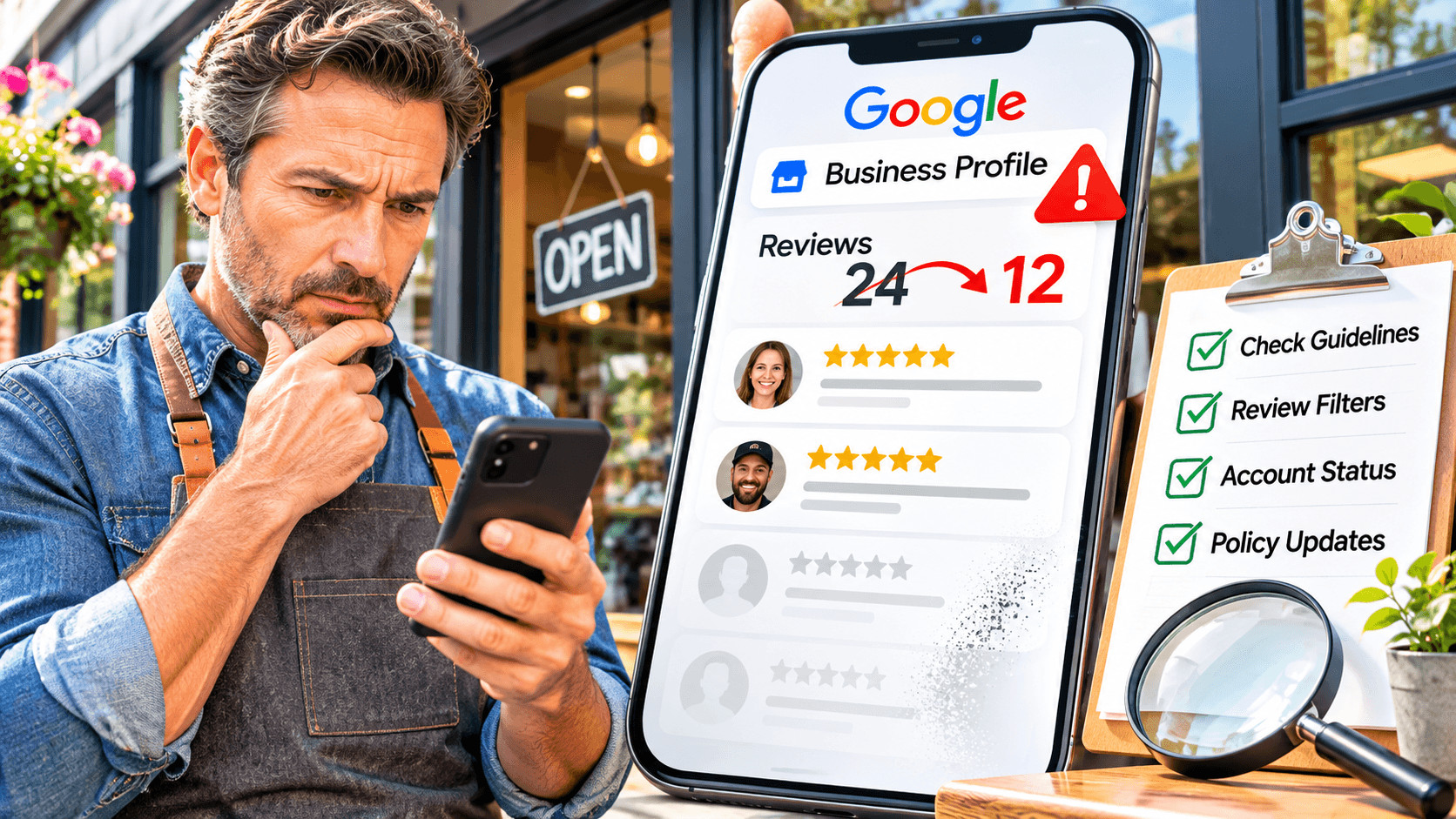
You open Google Maps and notice your review count has fallen. Before you ask customers to post again, figure out whether you are looking at the right profile and whether the problem affects one review or many.
Start with the public listing
Search your business name and town in Maps, then open the result as a customer would. Match the address, phone number, and storefront photo against the profile you manage, especially if another business uses a similar name.
Record the public listing link, the visible count, and the date you noticed the change. If you recently moved, merged profiles, or regained access after a suspension, add the relevant dates to your notes.
Separate a delay from a broader problem
Google’s guidance on missing or delayed Business Profile reviews says policy checks can delay a new review and a profile merge can take time to display reviews together. Google also says reviews removed for policy violations are ineligible for restoration.
If one customer volunteers that their review is missing, ask when they posted and which location they selected. With their permission, keep a screenshot that shows the relevant details, and avoid collecting account credentials or personal information you have no reason to keep.
Escalate with a timeline
A cluster of missing reviews deserves a more systematic check. Compare what you see in Search and Maps, confirm your team is using the current review link, and note whether the missing entries predate a move or merge.
If you contact support, describe the observable problem in a few lines and include the profile link, dates, and relevant case numbers. A timeline gives support a concrete starting point and gives your team a record to refer back to.
Keep legitimate feedback coming
Continue your regular, neutral invitation to eligible customers using the correct link. A routine for tracking Google reviews across customer touchpoints helps your team spot whether the issue is a listing problem, a delay, or a link that still points to an old location.
Give one person responsibility for the follow-up and agree on when they will check the public listing again. Use small-business review monitoring to make that check routine even after the count stabilizes. |




0 Comments
Join the conversation
Be the first to comment
Share your thoughts above.